How to Use the Maker Tool to Create Custom Tier Lists on Tier Versus
Published
Learn how to create original Tier Lists using the Maker tool on Tier Versus and build more engaging rankings for anime, games, and fandom content.
Many Tier Lists online feel similar because they reuse the same character sets again and again. While those rankings can still be fun, they rarely stand out or create strong discussion.
That’s where the Maker tool on Tier Versus becomes useful.
Instead of relying only on prebuilt lists, Maker lets you design your own Tier List themes with custom character selections. This gives creators more control, helps communities explore new ranking ideas, and makes comparisons feel more intentional.
In this guide, you’ll learn how to use the Maker tool effectively and how to turn custom Tier Lists into stronger fandom content.
What the Maker tool actually does
The Maker tool allows you to create your own Tier List setup by selecting exactly which characters or items should appear in the ranking challenge.
This means you are not limited to default pools.
You can design comparisons like:
- characters from a specific story arc
- rival characters across multiple anime
- villains only
- mentors across franchises
- seasonal protagonists
- underrated side characters
- tournament finalists
- characters with similar powers or roles
Custom lists immediately feel more original because they reflect a clear idea rather than a generic category.
When you should create a custom Tier List
Maker works best when your ranking has a defined theme.
For example:
Instead of creating:
“Best anime characters”
You could create:
“Best swordsmen introduced after episode 100”
Instead of:
“Strongest villains”
Try:
“Most strategic villains in psychological anime”
Specific comparisons make readers more curious about your choices and more willing to participate.
Step-by-step: building your first custom Tier List
Using Maker is straightforward, but the value comes from how you structure your selection.
A strong workflow usually looks like this:
1. Decide your comparison theme
Choose one idea that connects all selected characters.
Examples:
- leadership ability
- intelligence
- narrative importance
- emotional impact
- rivalry strength
- team contribution
This becomes the backbone of your Tier List.
2. Select characters that match the theme
Avoid mixing characters that belong to completely different comparison contexts.
For example:
A comic relief character usually does not belong inside a serious tactical ranking unless the list explicitly includes humor as a factor.
Consistency improves readability.
3. Keep the list balanced
Try not to include too many characters at once.
Smaller selections create:
- clearer comparisons
- stronger decisions
- easier participation
- better discussion quality
A focused Tier List often performs better than a large one.
4. Define what each tier represents
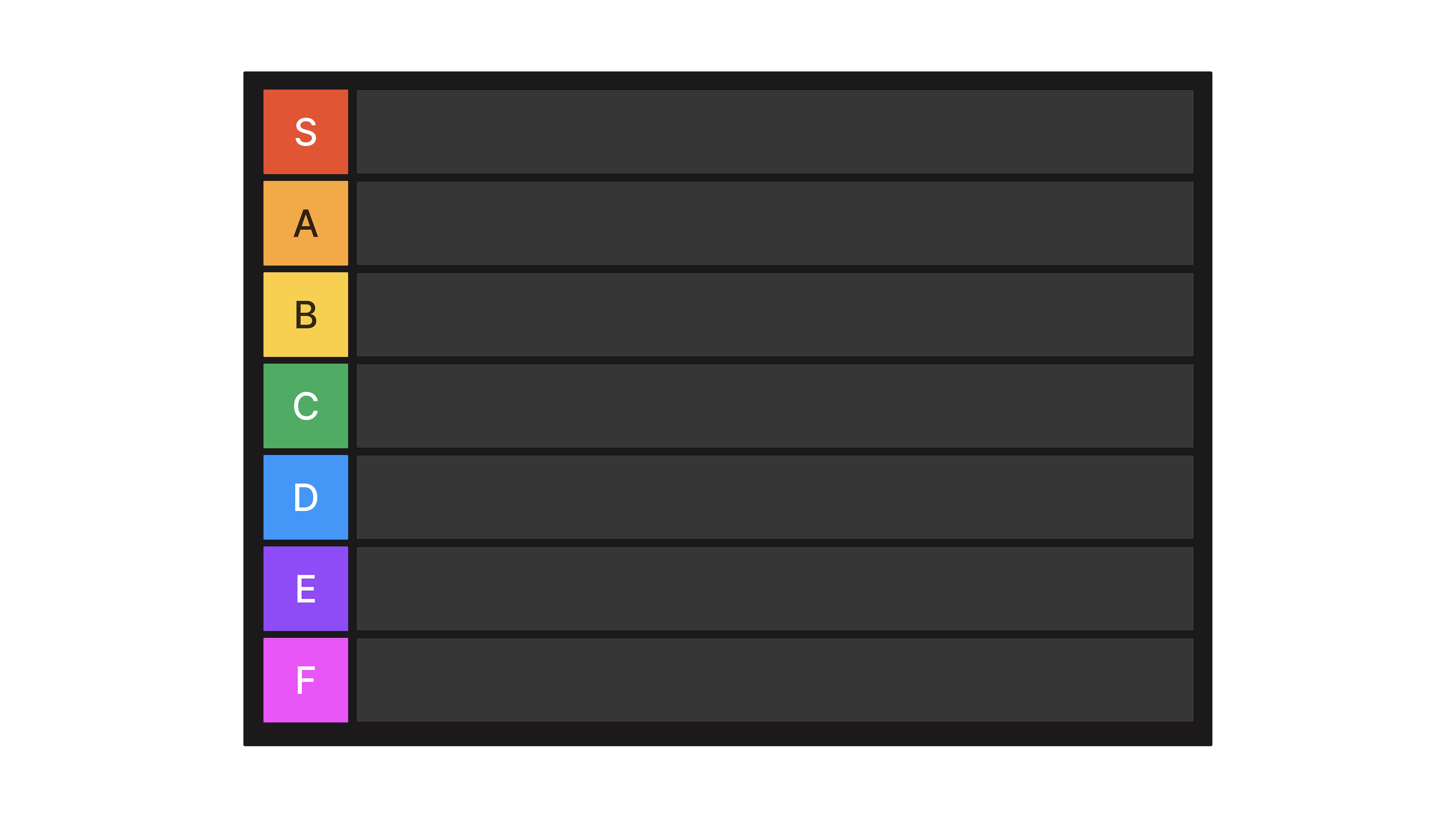
Even when using familiar tier labels like S, A, B, C, and D, clarity helps readers understand your logic.
For example:
S Tier might represent characters that define the category.
A Tier includes characters that nearly reach the top level.
B Tier represents solid but less dominant choices.
This simple structure improves interpretation immediately.
Why custom Tier Lists generate better engagement
Audiences respond more strongly to rankings that feel intentional.
When readers see a familiar ranking template repeated many times online, they already expect the outcome. But when they encounter a focused comparison they haven’t seen before, they naturally want to respond.
Custom Tier Lists often:
- encourage comments
- inspire alternative rankings
- trigger debates
- motivate users to create their own versions
- work well in videos and livestream discussions
Original selection leads to original reactions.
Combining Maker with other Tier Versus modes
The Maker tool becomes even more powerful when used together with other site features.
For example:
After creating a custom Tier List, you can:
use Versus mode to resolve close comparisons between similar characters
share your list in the Shared section so others can respond with their own versions
compare your results with community reactions using Ranking mode
This turns one idea into a full discussion workflow instead of a single static ranking.
Ideas for your first Maker-based Tier Lists
If you're not sure where to start, these themes usually work well:
- strongest support characters in a franchise
- smartest anime tacticians
- most iconic rival characters
- best seasonal protagonists
- characters with the most creative abilities
- most underrated villains
- tournament arc finalists across series
These topics feel specific enough to be interesting while still recognizable to most fandom audiences.
Turning custom Tier Lists into repeatable content
One custom Tier List can become part of a larger content series.
For example:
Week 1: rank mentors
Week 2: rank rivals
Week 3: rank antagonists
Week 4: rank protagonists
This creates consistency and keeps audiences returning for the next comparison.
Custom themes are especially useful for:
YouTube ranking series
blog comparison articles
community voting experiments
social media discussion threads
Consistency builds familiarity over time.
Avoid common mistakes when using Maker
Custom Tier Lists work best when the selection feels intentional.
Try to avoid:
including characters that don’t match the theme
mixing too many unrelated franchises without context
adding duplicate character versions unnecessarily
choosing too many participants at once
When your selection is clear, your ranking becomes easier to follow.
Conclusion
The Maker tool is one of the most flexible ways to create original Tier Lists on Tier Versus.
Instead of repeating common ranking formats, you can design comparisons that highlight specific ideas, explore overlooked characters, and invite meaningful community interaction.
A well-designed custom Tier List doesn’t just rank characters — it creates a conversation around them.