

Sora wo Kakeru Shoujo - Tier Maker
Sora wo Kakeru Shoujo - Blind Rank
The next character from Sora wo Kakeru Shoujo is drawn for you, so you never pick who comes next. Top 5 holds one per slot. The Tier List works like the regular board, with several characters in each row.
Sora wo Kakeru Shoujo - Versus
Run a fast elimination tournament for Sora wo Kakeru Shoujo and keep choosing winners until only one character remains.
Sora wo Kakeru Shoujo - Bracket
Build a championship bracket for Sora wo Kakeru Shoujo. Drag the seeds, or fill them at random. Click a fighter to send them through, or roll the match.
Sora wo Kakeru Shoujo - Alignment Chart
Arrange Sora wo Kakeru Shoujo in a grid or circle with up to 16 sections. Place characters freely, including between sections.
Sora wo Kakeru Shoujo - 0–10
Give each Sora wo Kakeru Shoujo character a score from 0 to 10. Same scores sit together, from 10 at the top down to 0.
Number keys set 0 to 9. Tap a character on the board to change that score.
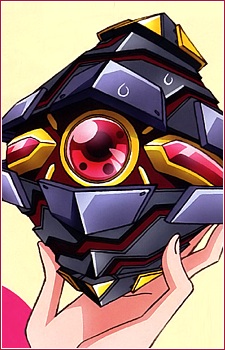
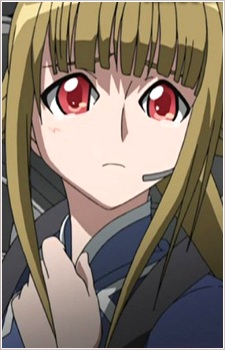
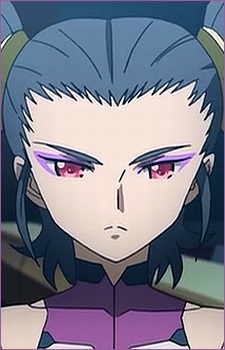
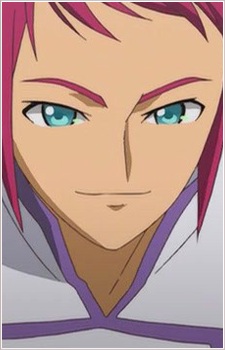
Characters (29)






















How many characters will participate?
Click a character to advance, or roll the match. An empty slot sends the other fighter through.
Available
Drag or click a character to add it. Place it over a line to share two sides. Edit or drag the labels; use arrow keys to move a focused character and Delete to return it.


