
Stands de JoJo - Tier Maker
Stands de JoJo - Official Tier
Editorial placements for Stands de JoJo, with the reasoning behind each list.
Stands de JoJo - Blind Rank
The next character from Stands de JoJo is drawn for you, so you never pick who comes next. Top 5 holds one per slot. The Tier List works like the regular board, with several characters in each row.
Stands de JoJo - Versus
Run a fast elimination tournament for Stands de JoJo and keep choosing winners until only one character remains.
Stands de JoJo - Bracket
Build a championship bracket for Stands de JoJo. Drag the seeds, or fill them at random. Click a fighter to send them through, or roll the match.
Stands de JoJo - Alignment Chart
Arrange Stands de JoJo in a grid or circle with up to 16 sections. Place characters freely, including between sections.
Stands de JoJo - 0–10
Give each Stands de JoJo character a score from 0 to 10. Same scores sit together, from 10 at the top down to 0.
Number keys set 0 to 9. Tap a character on the board to change that score.
Characters (30)

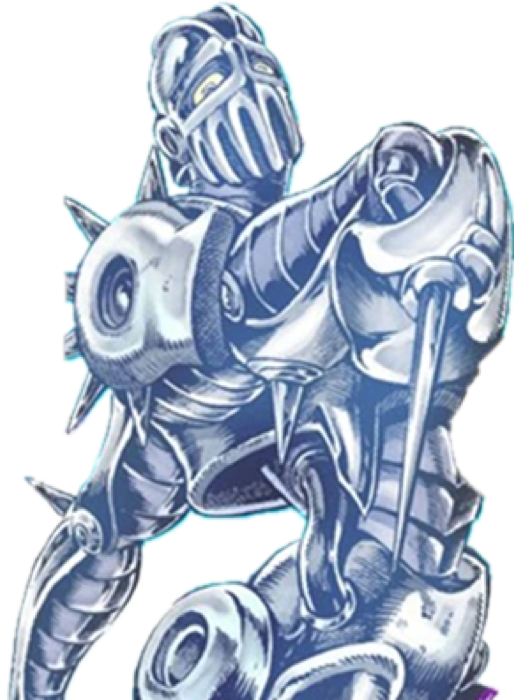
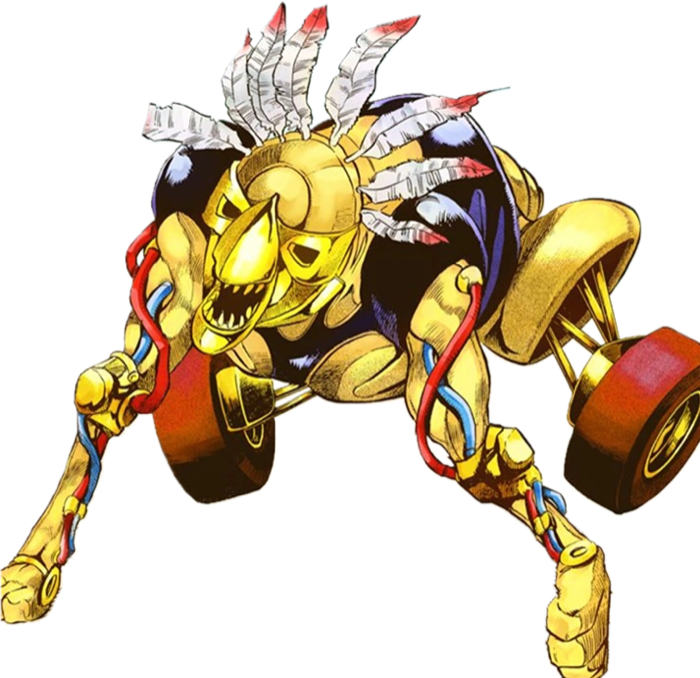
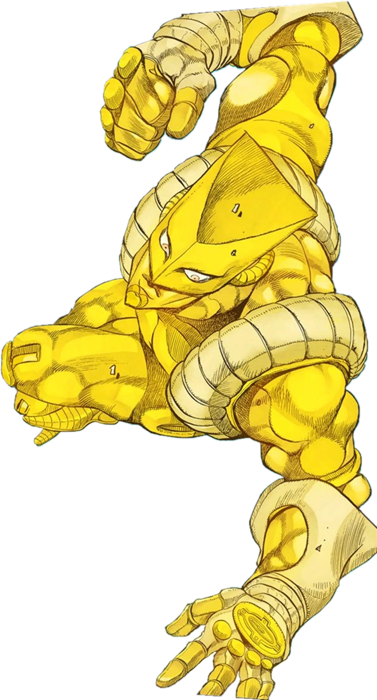
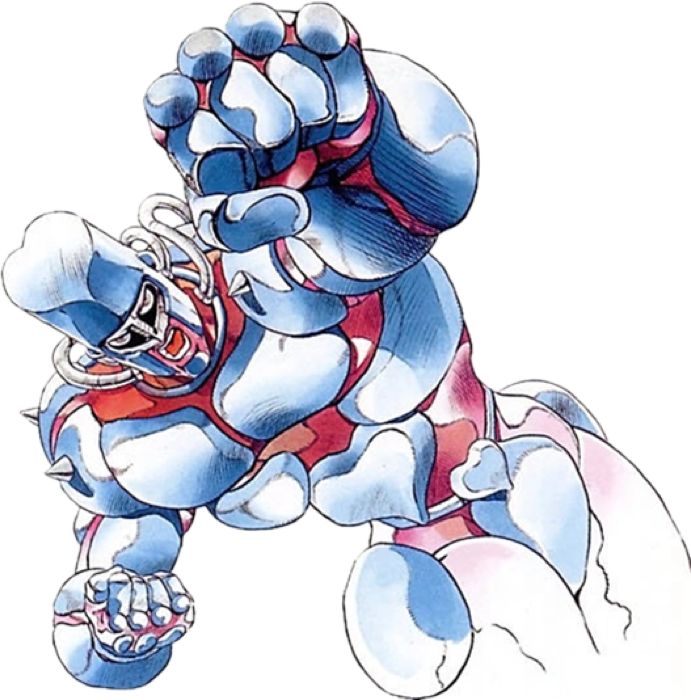
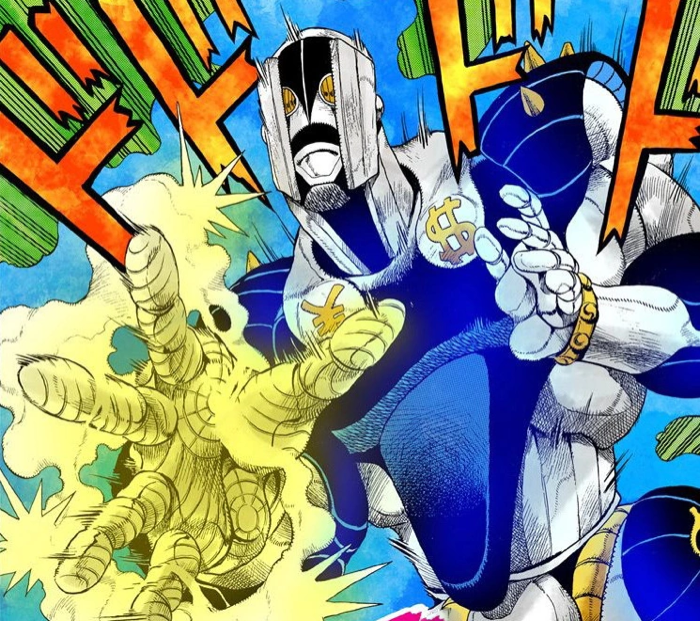
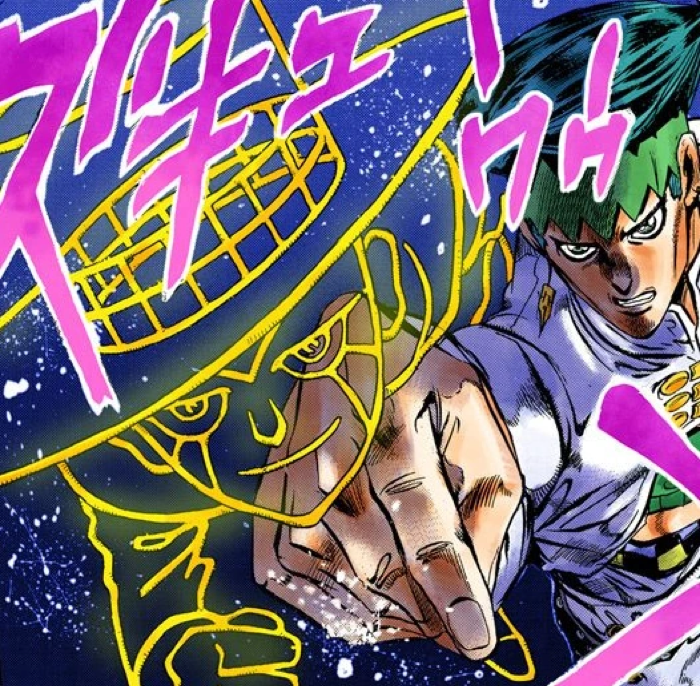
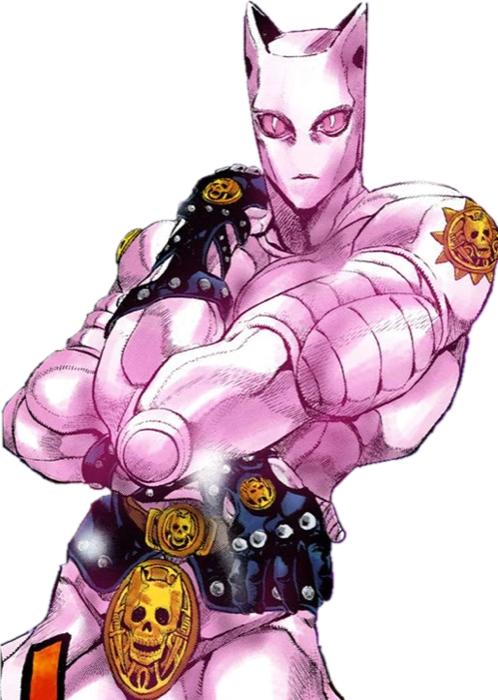
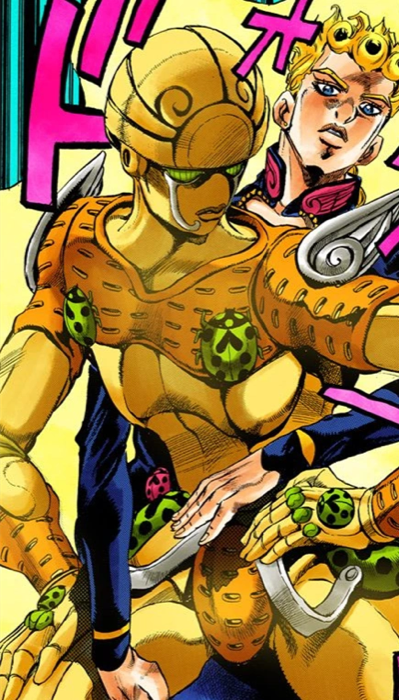
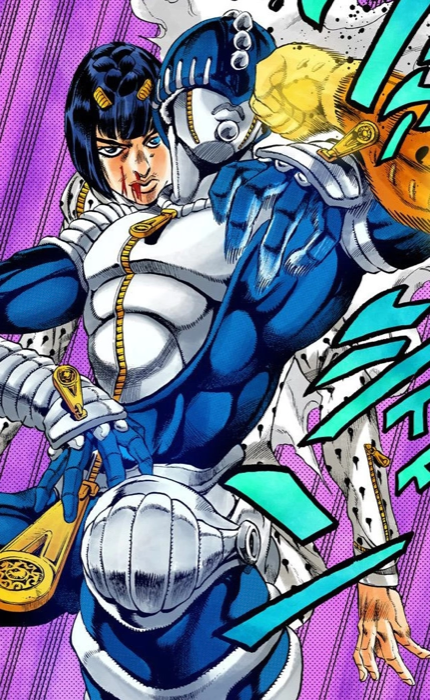
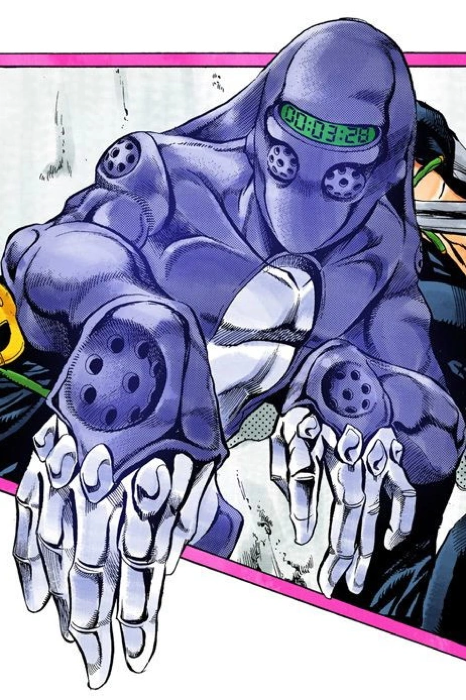
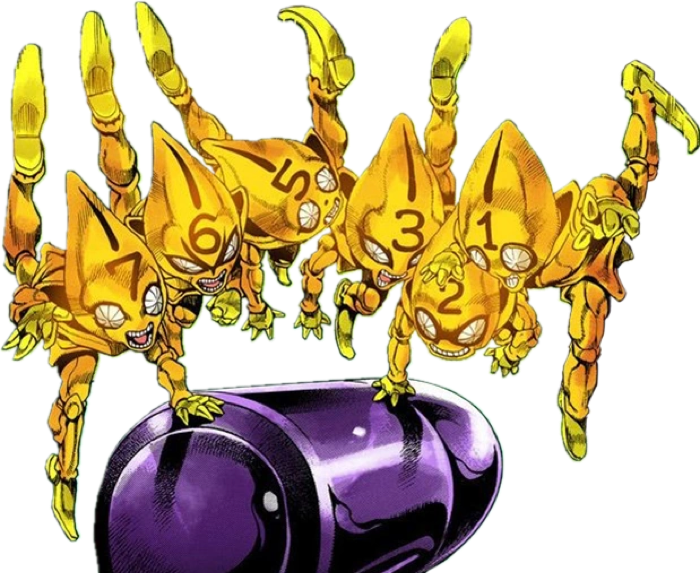

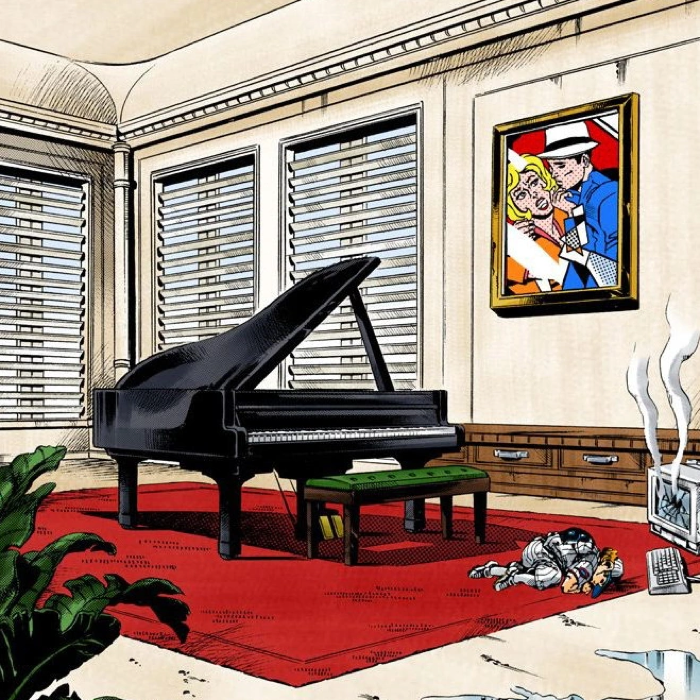
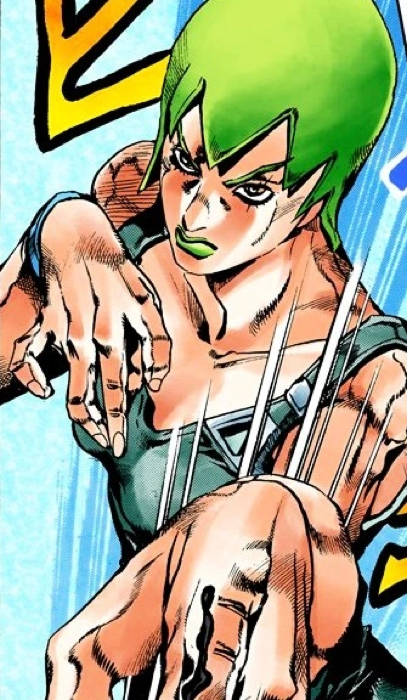

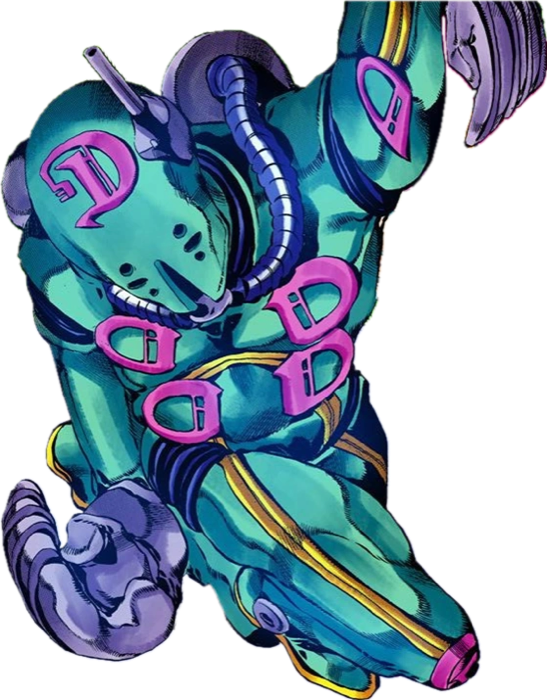
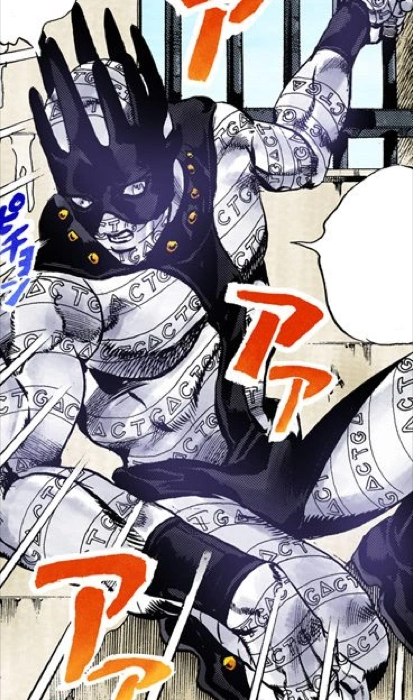
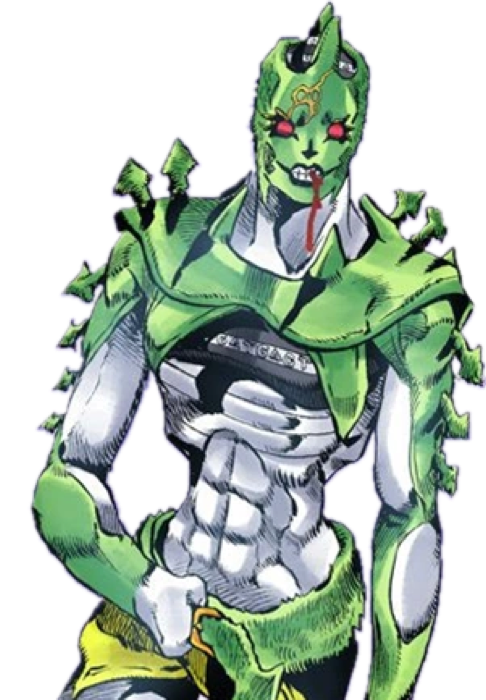
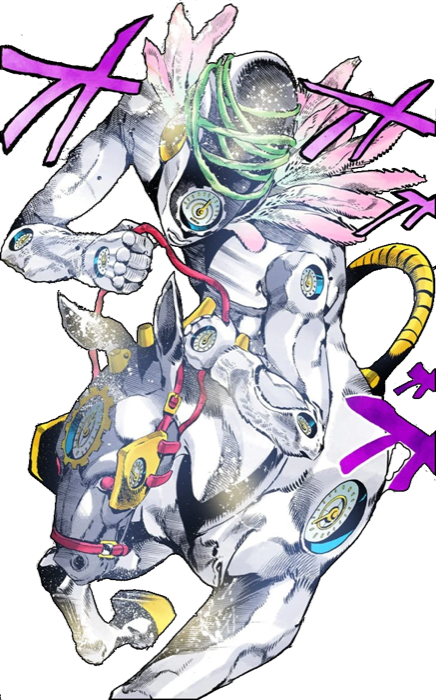
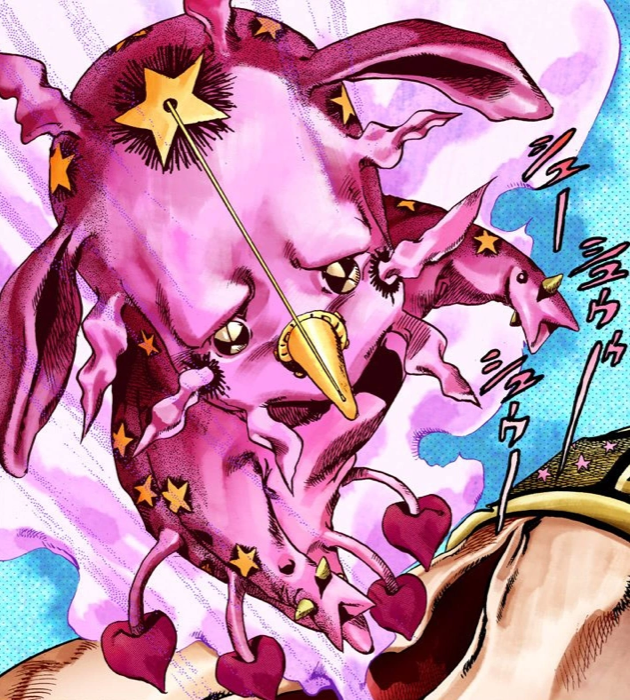
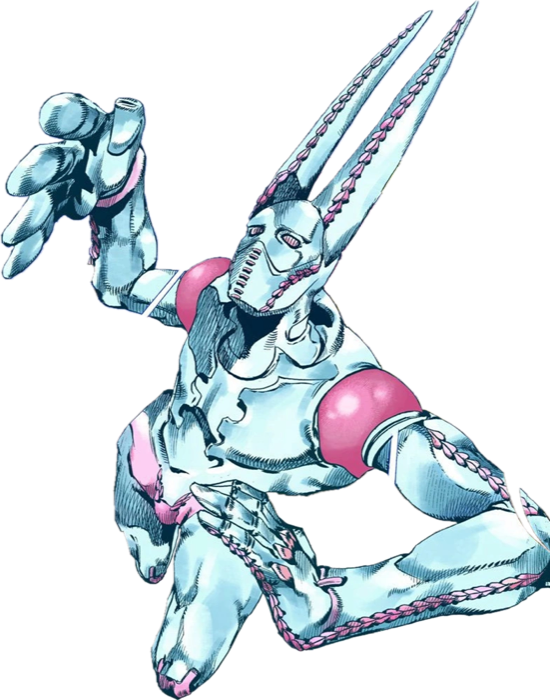
JoJo Stands by Fight Impact
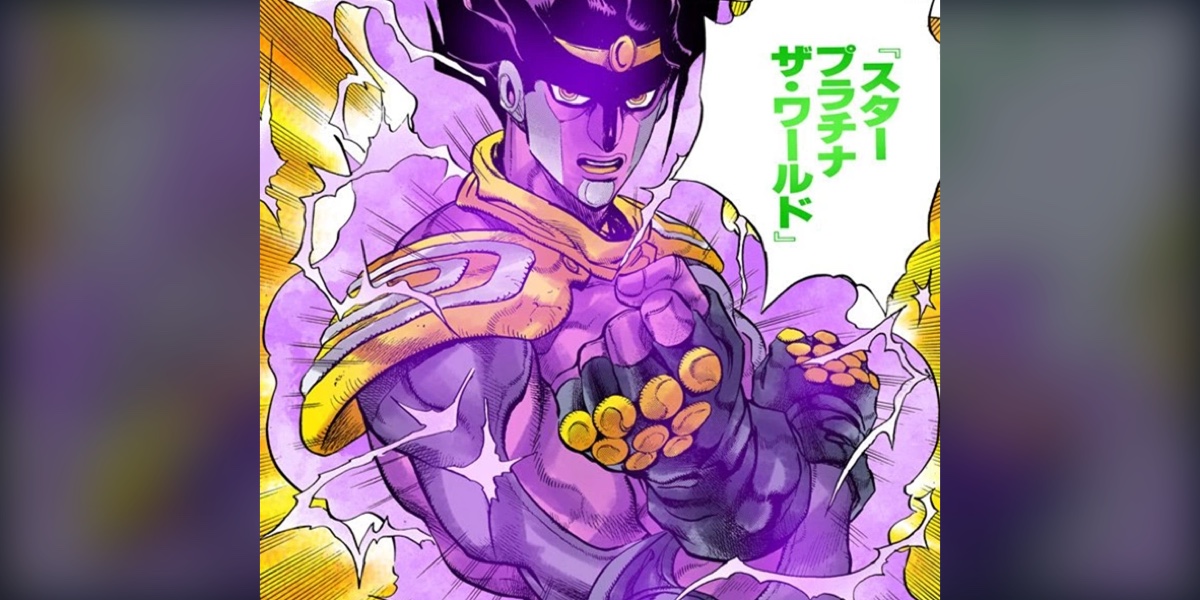
Raw punching power only tells part of a JoJo fight. Time control, battlefield control and a reliable setup can be more dangerous than a stronger close-range attack. This ranking weighs range, control and how consistently a Stand can turn one opening into a win; Star Platinum's speed and precision keep it near the top.
Made In Heaven
Tusk
King Crimson
The World
Star Platinum
Dirty Deeds Done Dirt Cheap
Killer Queen
Gold Experience
C Moon
Whitesnake
Heaven S Door
Weather Report
Crazy Diamond
The Hand
Stone Free
Sticky Fingers
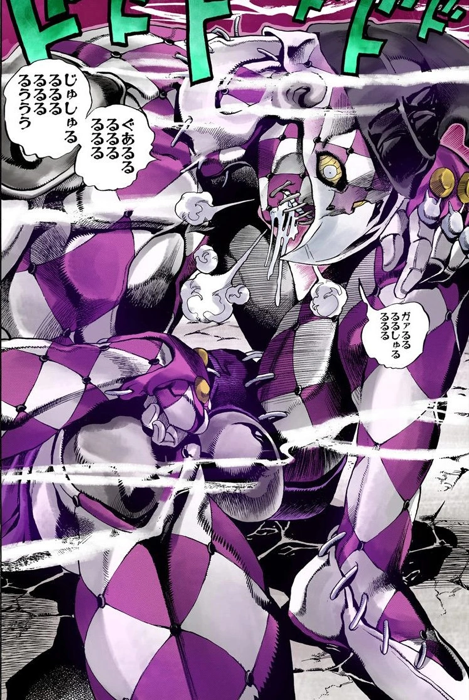
Purple Haze
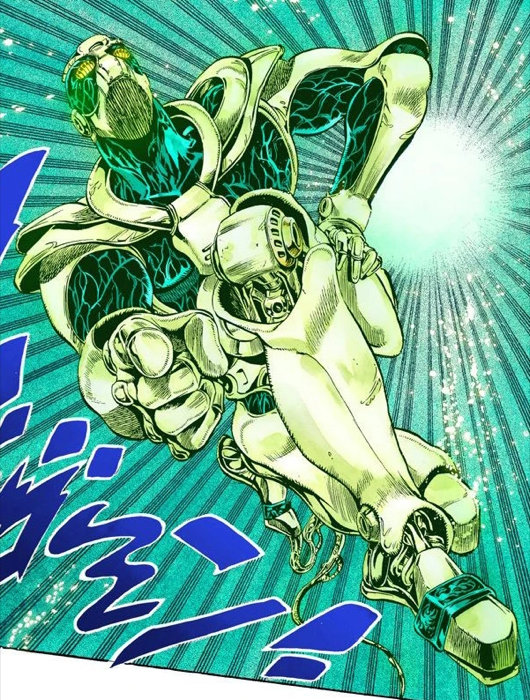
Diver Down
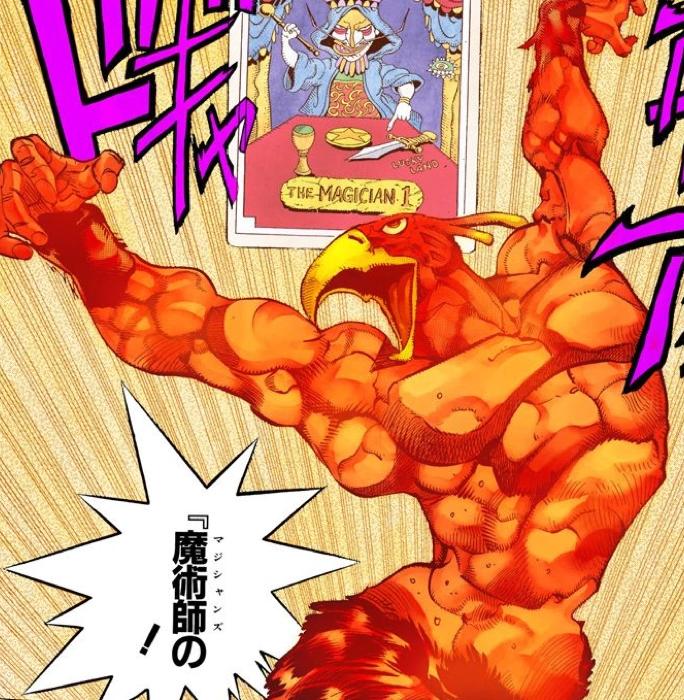
Magician S Red
Silver Chariot
Echoes
Hierophant Green
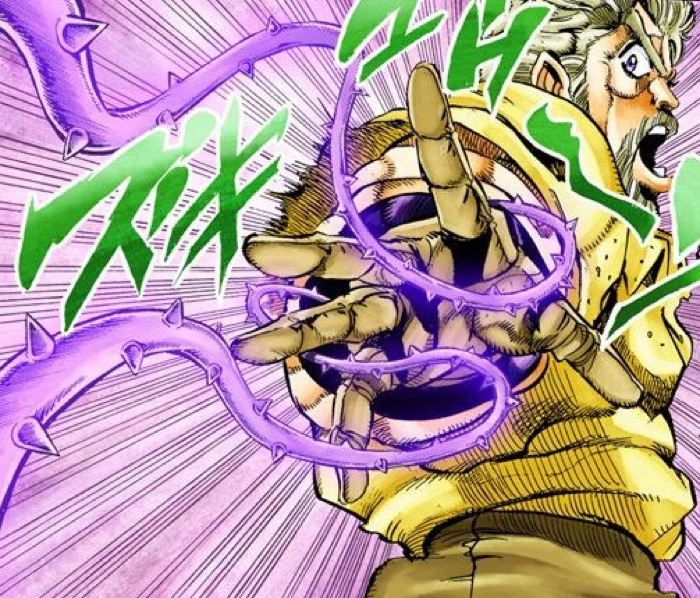
Hermit Purple
The Fool
Sex Pistols
Moody Blues
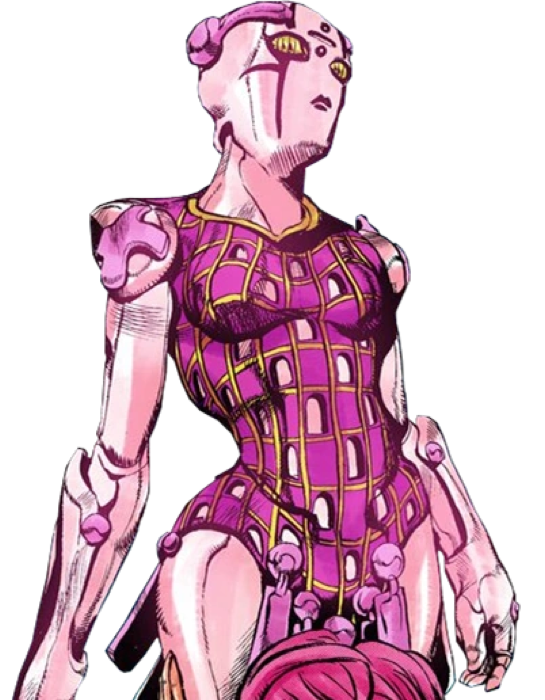
Spice Girl
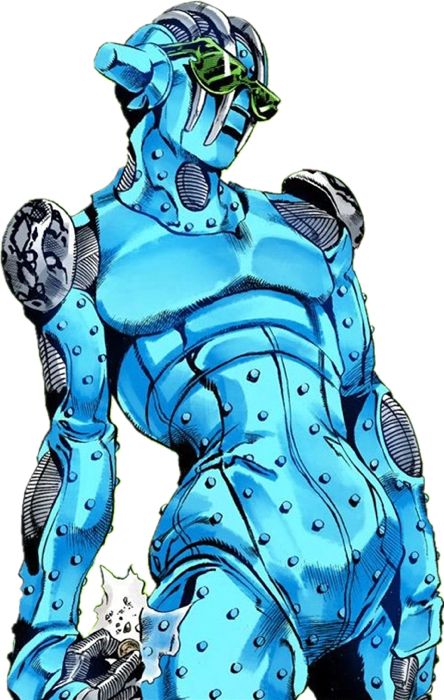
Burning Down The House
Foo Fighters
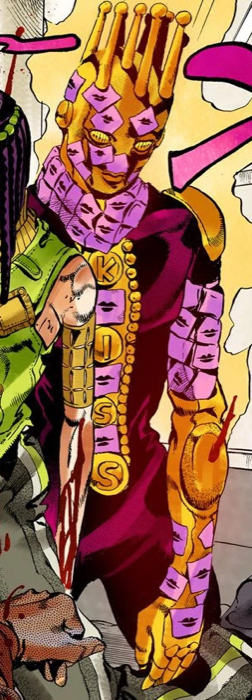
Kiss
Want to rank them yourself? Open the Tier Maker tab.
How many characters will participate?
Click a character to advance, or roll the match. An empty slot sends the other fighter through.
Available
Drag or click a character to add it. Place it over a line to share two sides. Edit or drag the labels; use arrow keys to move a focused character and Delete to return it.


