

Dororo - Tier Maker
Dororo - Official Tier
Editorial placements for Dororo, with the reasoning behind each list.
Dororo - Blind Rank
The next character from Dororo is drawn for you, so you never pick who comes next. Top 5 holds one per slot. The Tier List works like the regular board, with several characters in each row.
Dororo - Versus
Run a fast elimination tournament for Dororo and keep choosing winners until only one character remains.
Dororo - Bracket
Build a championship bracket for Dororo. Drag the seeds, or fill them at random. Click a fighter to send them through, or roll the match.
Dororo - Alignment Chart
Arrange Dororo in a grid or circle with up to 16 sections. Place characters freely, including between sections.
Dororo - 0–10
Give each Dororo character a score from 0 to 10. Same scores sit together, from 10 at the top down to 0.
Number keys set 0 to 9. Tap a character on the board to change that score.
Characters (40)
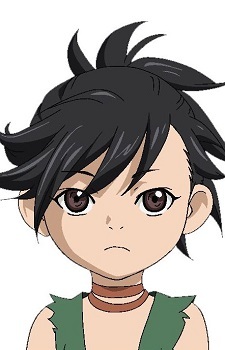
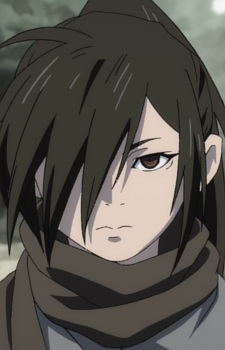


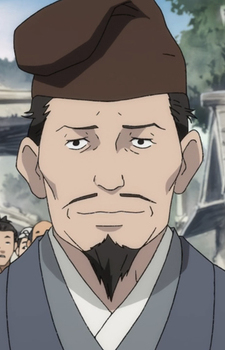
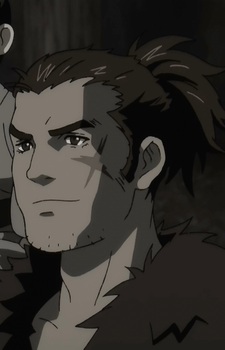
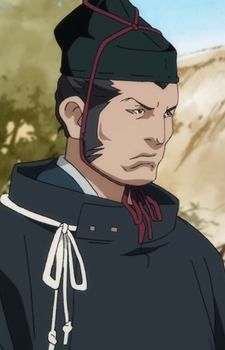

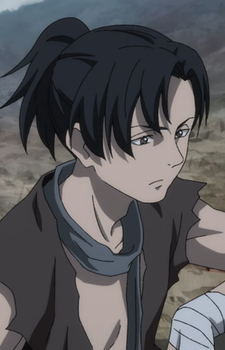


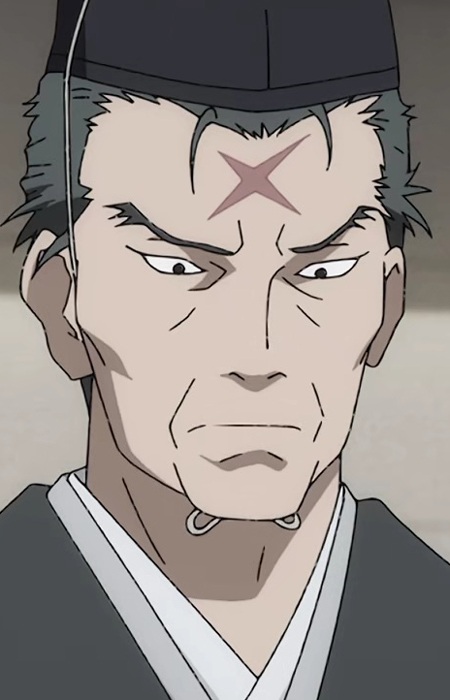
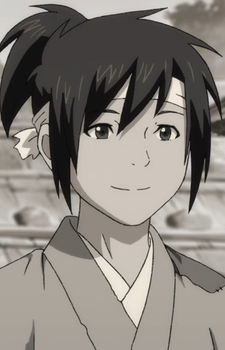
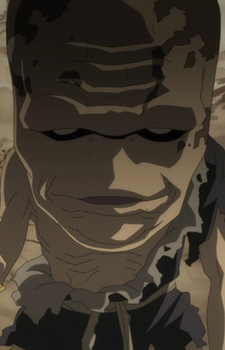
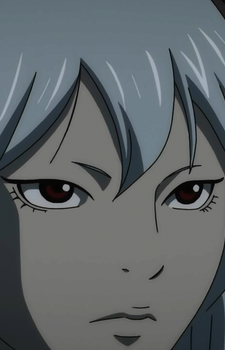

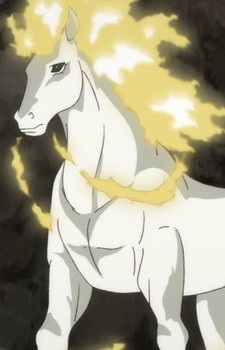
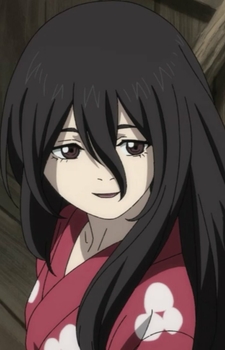







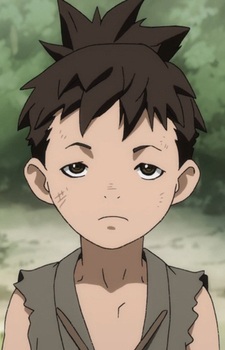

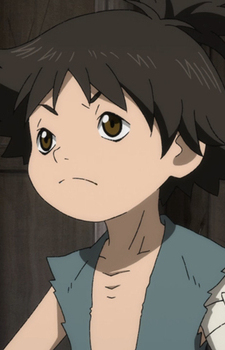
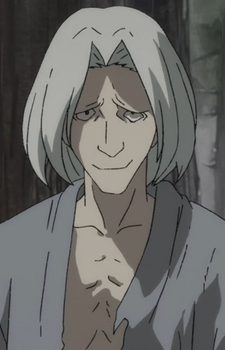
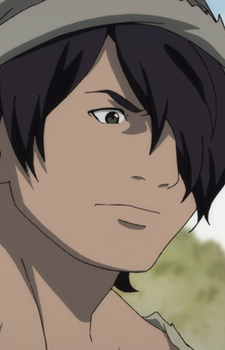
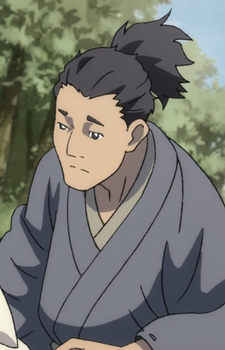
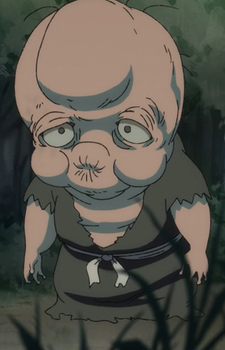
Love
Dororo and Hyakkimaru begin as travel companions on a brutal road, then become each other’s closest family. Mio, Jukai and the others leave their mark by showing what kindness and loyalty cost in a war-torn country.
Hyakkimaru
Dororo
Mio
Jukai
Tahoumaru
Mutsu
Hyogo
Biwamaru
Nuinokata
Daigo Kagemitsu
Itachi
Power
Hyakkimaru hunts demons with blades built into his prosthetic arms; Tahomaru and his retainers fight with the discipline of Daigo’s forces. Their strength is shaped as much by what they protect as by how they fight.
Hyakkimaru
Tahoumaru
Jukai
Mutsu
Hyogo
Dororo
Mio
Biwamaru
Nuinokata
Daigo Kagemitsu
Itachi
Cute
Dororo’s sharp tongue and quick thinking bring a spark to a story full of demons and war. Hyakkimaru’s quiet attempts to understand ordinary life add a gentler kind of charm to the road they share.
Dororo
Hyakkimaru
Mio
Mutsu
Jukai
Biwamaru
Tahoumaru
Hyogo
Nuinokata
Daigo Kagemitsu
Itachi
Want to rank them yourself? Open the Tier Maker tab.
How many characters will participate?
Click a character to advance, or roll the match. An empty slot sends the other fighter through.
Available
Drag or click a character to add it. Place it over a line to share two sides. Edit or drag the labels; use arrow keys to move a focused character and Delete to return it.


