
Dorohedoro - Tier Maker
Dorohedoro - Official Tier
Editorial placements for Dorohedoro, with the reasoning behind each list.
Dorohedoro - Blind Rank
The next character from Dorohedoro is drawn for you, so you never pick who comes next. Top 5 holds one per slot. The Tier List works like the regular board, with several characters in each row.
Dorohedoro - Versus
Run a fast elimination tournament for Dorohedoro and keep choosing winners until only one character remains.
Dorohedoro - Bracket
Build a championship bracket for Dorohedoro. Drag the seeds, or fill them at random. Click a fighter to send them through, or roll the match.
Dorohedoro - Alignment Chart
Arrange Dorohedoro in a grid or circle with up to 16 sections. Place characters freely, including between sections.
Dorohedoro - 0–10
Give each Dorohedoro character a score from 0 to 10. Same scores sit together, from 10 at the top down to 0.
Number keys set 0 to 9. Tap a character on the board to change that score.
Characters (71)
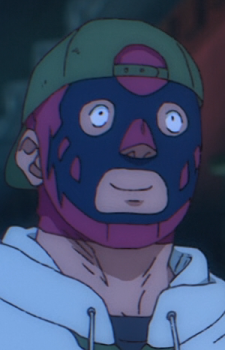
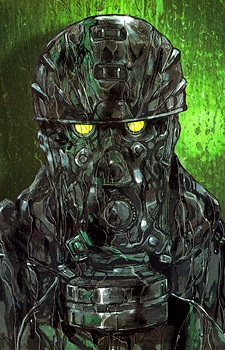
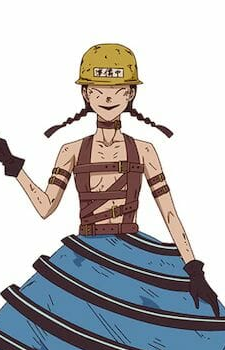
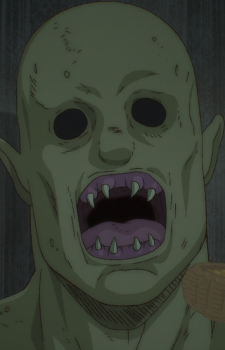

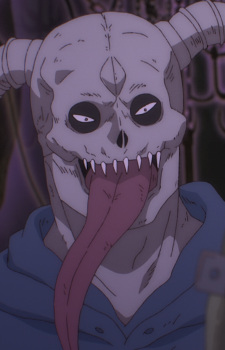
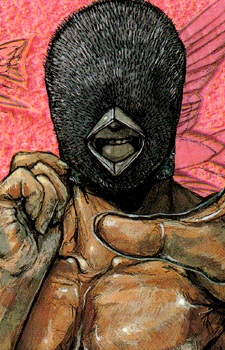
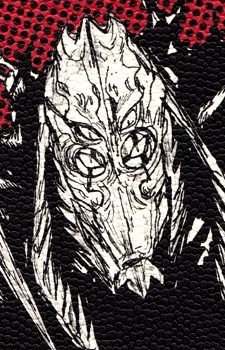
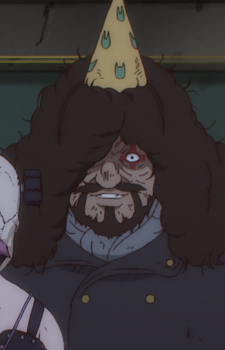
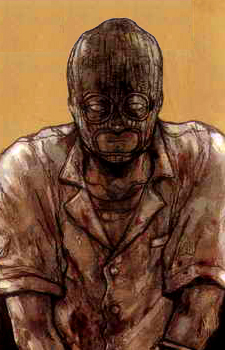
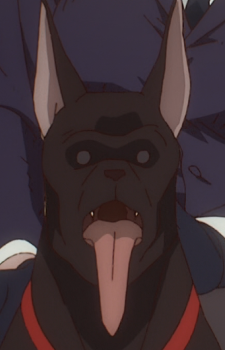
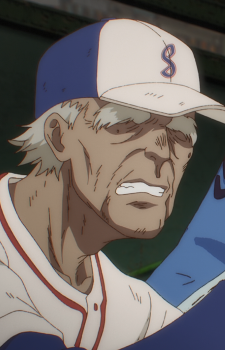
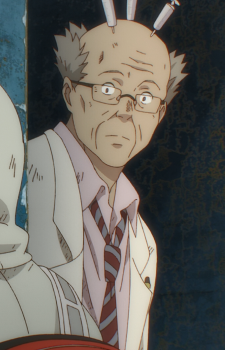
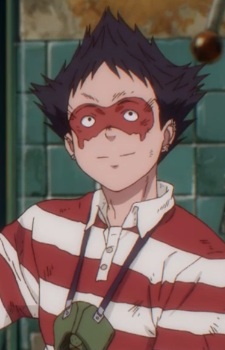
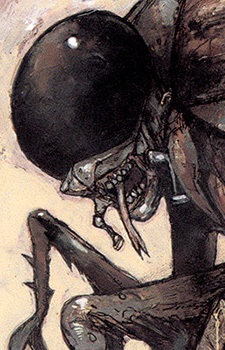
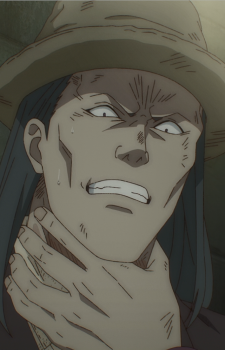
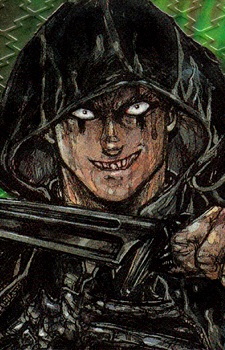

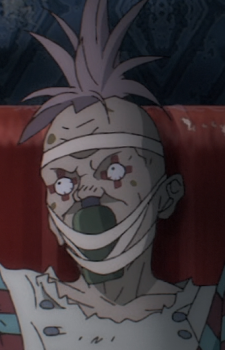
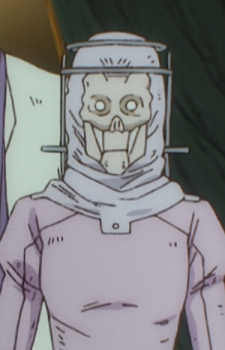
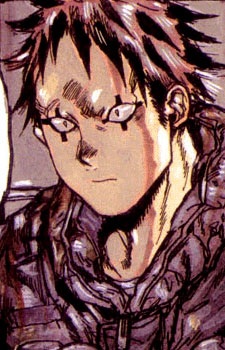
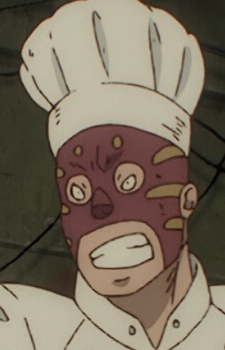
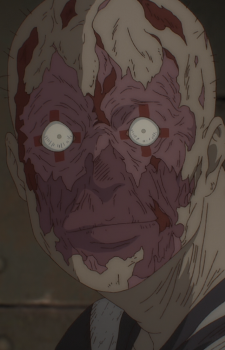
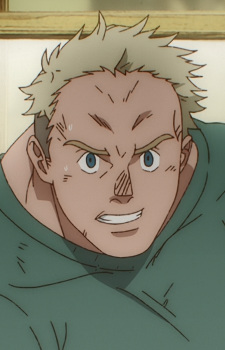
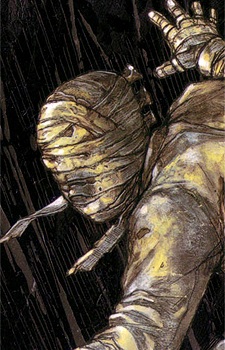
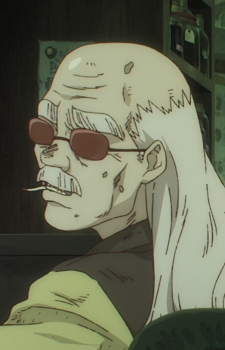
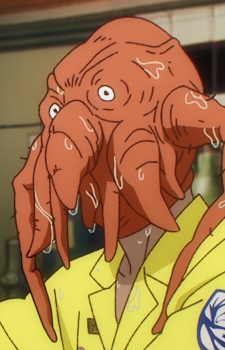

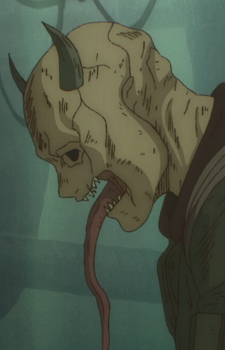
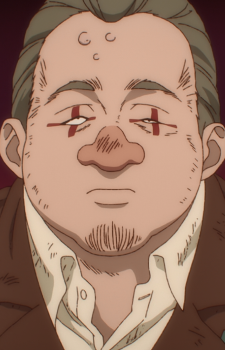
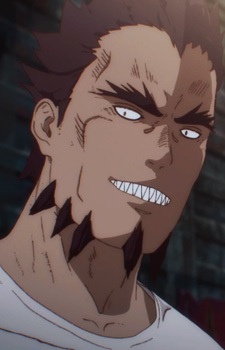
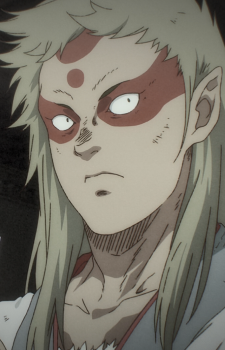
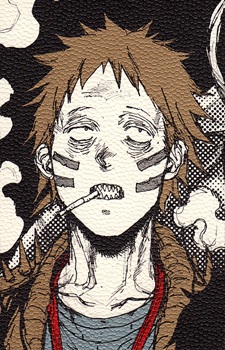

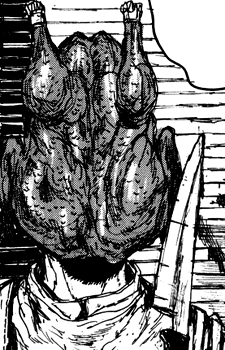
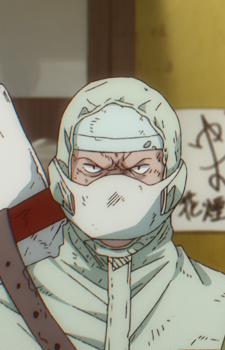
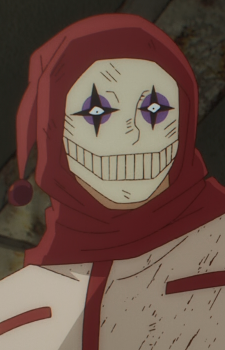
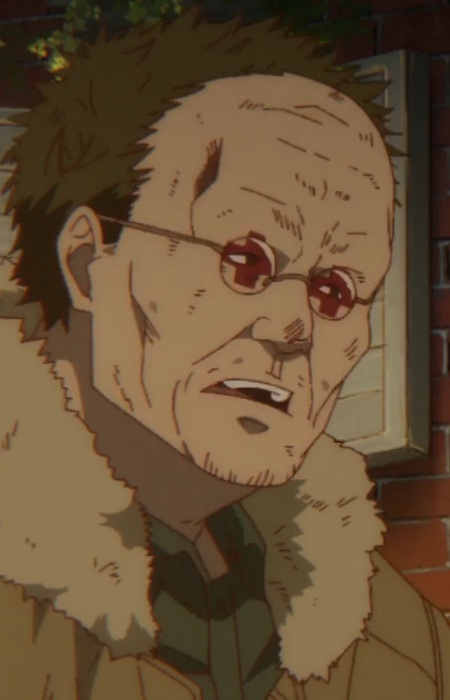
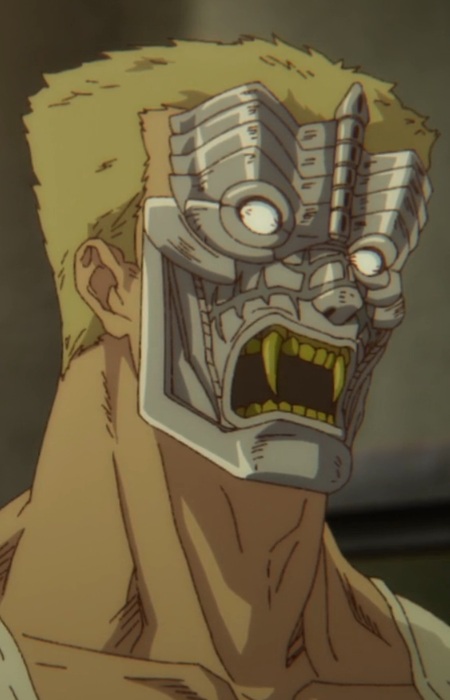
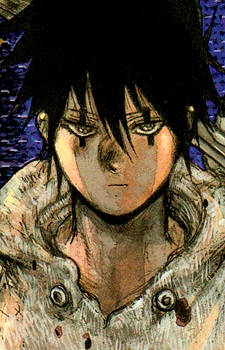
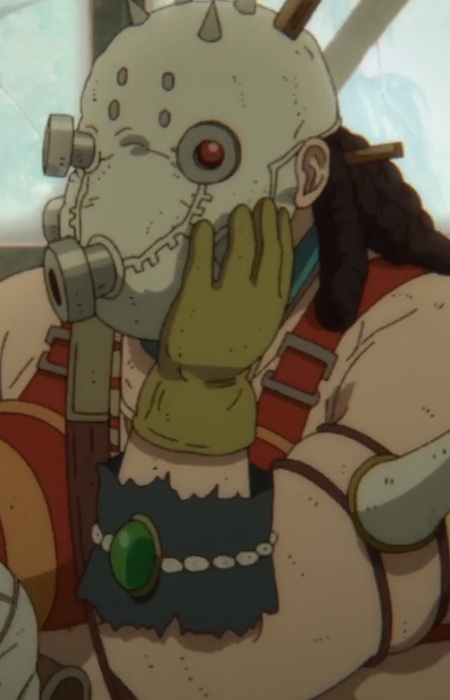
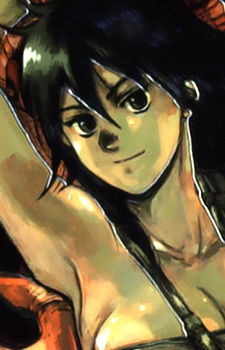
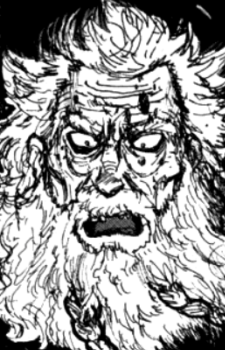
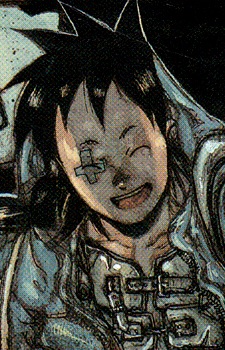
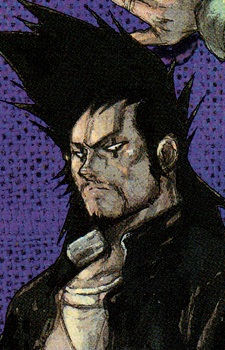
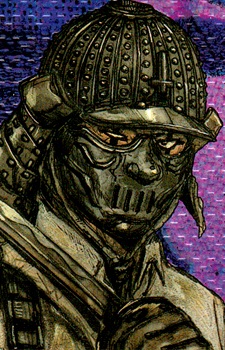
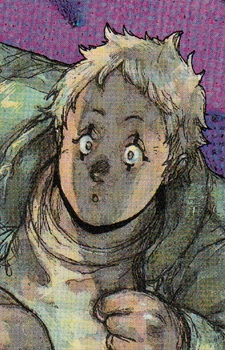
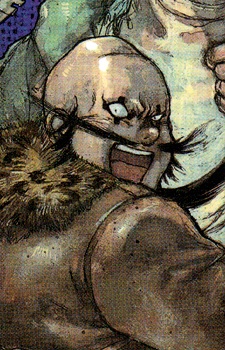
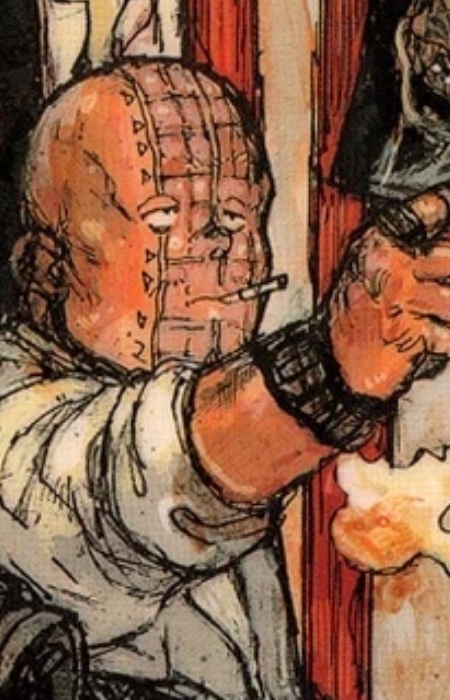
Love
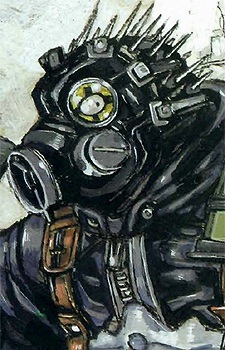
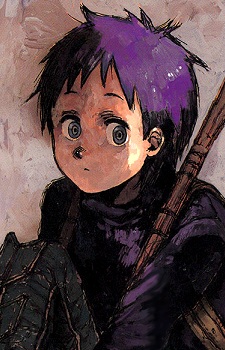
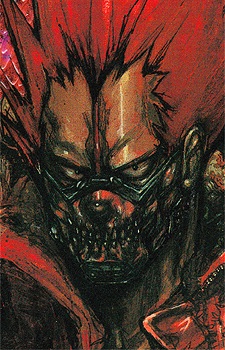
Caiman and Nikaido drive the search for his lost identity, but Dorohedoro’s appeal comes from its whole chaotic cast. Noi and Shin’s odd partnership, Ebisu’s unpredictable antics and En’s mushroom empire make the sorcerers hard to forget.
Caiman
Nikaidou
Noi
Shin
Ebisu
En
Fujita
Dokuga
Kikurage
Shou
Johnson
Turkey
Power
En’s mushroom magic can make a room dangerous before a fight even starts. Shin and Noi are terrifying up close, while Caiman survives through brute force and sheer unpredictability.
En
Shin
Noi
Chidaruma
Caiman
Shou
Nikaidou
Ebisu
Dokuga
Kasukabe
Turkey
Johnson
Cute
Kikurage’s tiny, oddball charm is hard to beat, and Ebisu brings comedy to even grim scenes. Caiman’s blunt enthusiasm and Fujita’s earnest streak round out a cast that rarely acts cute on purpose.
Kikurage
Ebisu
Fujita
Nikaidou
Caiman
Noi
Shin
Dokuga
Shou
Chidaruma
En
Want to rank them yourself? Open the Tier Maker tab.
How many characters will participate?
Click a character to advance, or roll the match. An empty slot sends the other fighter through.
Available
Drag or click a character to add it. Place it over a line to share two sides. Edit or drag the labels; use arrow keys to move a focused character and Delete to return it.


